Making SVG icons screen-reader accessible: titles, aria-labels, and unique IDs
- accessibility
- svg-icons
- screen-readers
- aria
- geoicons
When you build an interface, icons are the part you check with your eyes and then stop thinking about. You drop an <svg> into a button, it looks great, and you move on. A screen reader user gets a different experience: either nothing where a label belonged, or an announcement of "graphic" on an icon that should have stayed quiet.
Labeling every icon is the wrong fix, because half of them sit next to text that already says the same thing. For each icon you need to decide whether it carries meaning on its own, and then mark it accordingly. That decision has two correct outcomes and one common mistake, and once you name an icon you inherit a second problem: the <title> element needs an id, and ids must be unique on the page.
In this article we'll walk through both outcomes with real markup, see what an id collision does to a screen reader, and use GeoIcons, a premium library of geographic map-shape icons, to get both behaviors from a single prop.
Key takeaways
- An icon is either decorative (
aria-hidden="true", skipped by screen readers) or meaningful (role="img"plus an accessible name). Every icon should land in one of those two states. - Every GeoIcon is decorative by default. Pass
aria-labeland it switches to meaningful, addingrole="img", a<title>, andaria-labelledby. - Each icon generates a unique id for its
<title>, through React'suseId()and the equivalent in the Vue, Angular, and vanilla packages, so rendering the same icon twice never produces duplicate ids. - Inside an icon-only button, label the button and leave the icon decorative. Two names on one control is worse than one.
Why is my SVG icon invisible to screen readers?
An <svg> element has no implicit accessible name or useful default role. The browser sees a graphic without any text to announce, so there is nothing meaningful for a screen reader to read. VoiceOver and NVDA may skip the icon entirely or announce something vague like "image" without a name.
In many cases, this is exactly what you want. If an icon appears next to the word "France", a screen reader ignoring the icon will simply read "France" once, which conveys the same single piece of information a sighted user takes from the row.
The problem comes when the icon is the only thing communicating information. If the icon is meaningful on its own, a screen reader needs a way to identify it.
So, for each icon, ask yourself: does this icon communicate information that the surrounding text does not?
The answer determines how you should mark up the SVG.
Decorative icons should say nothing
If nearby text already conveys the meaning, the icon is decorative. Mark it aria-hidden="true" so assistive technology skips it and reads the text instead.
With GeoIcons this is the default. Render an icon with no aria-label and you get a hidden graphic:
import { France } from '@geoicons/react/countries';

<span>
  <France /> France
</span>
That produces:
<svg viewBox="0 0 24 24" width="24" height="24" stroke="currentColor"
     stroke-width="1" fill="none" aria-hidden="true">
  <path stroke-linejoin="round" d="m6.356 17.388…"/>
</svg>
A screen reader reads "France" once. Without aria-hidden, some setups would announce a nameless graphic before the word, which adds noise and tells the user nothing.
Meaningful icons need an accessible name
If the icon stands alone, it needs a name. Pass aria-label and you turn a decoration into a named image:
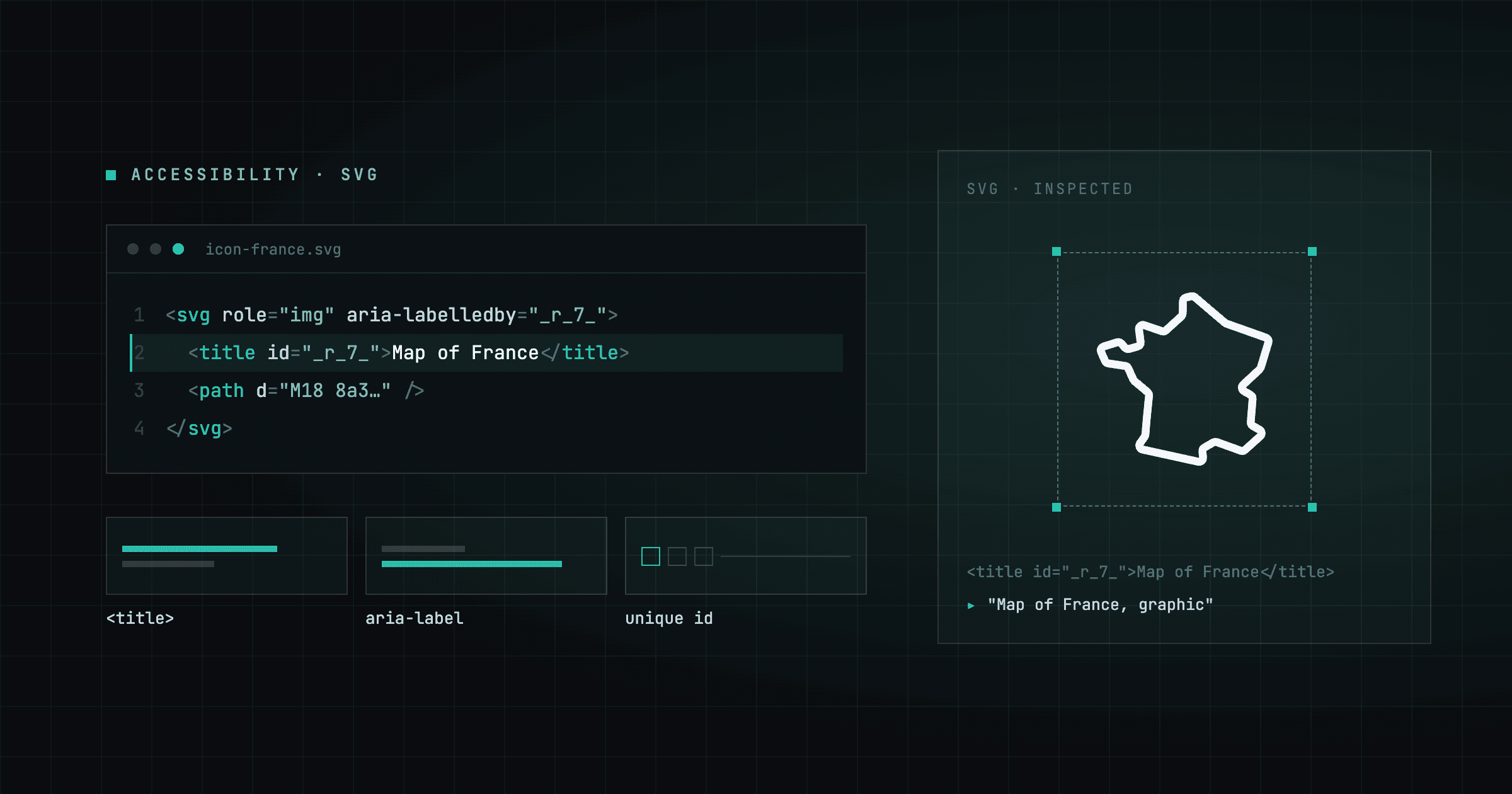
<France aria-label="France" />That produces:
<svg viewBox="0 0 24 24" width="24" height="24" stroke="currentColor"
     stroke-width="1" fill="none" role="img" aria-labelledby="_r_7_-title">
  <title id="_r_7_-title">France</title>
  <path stroke-linejoin="round" d="m6.356 17.388…"/>
</svg>
The _r_7_-title id looks cryptic, and that is fine. A screen reader never reads the id, it reads the text inside the <title>, so "France" is what the user hears. The id exists only to connect the two elements, which is why a generated value beats a readable one like france-title.
Three things changed together, and each one matters:
role="img"tells assistive technology to treat the SVG as a single image instead of a container of shapes. Without it, support for naming a bare<svg>has historically been uneven across screen readers, and some will still expose the graphic as a group rather than an image.<title>is the SVG element that holds the accessible name. It is the SVG equivalent of analtattribute, and it is not rendered visually. Browsers do surface it as a tooltip on hover, which is a small bonus rather than the point.aria-labelledbypoints at the<title>by id, which is the association that gives the image its name.
You pass one prop and get all three.
Here are both treatments side by side. The first row pairs a decorative icon with a visible label, and the second row leaves the icon alone, carrying its own name:
import { France, Japan } from '@geoicons/react/countries';

// Decorative: the visible label names the row, so the icon stays hidden.
<span className="flex items-center gap-2">
  <France size={32} /> <span>France</span>
</span>

// Meaningful: nothing else names it, so the icon carries the name.
<Japan size={32} aria-label="Japan" />Two rows, two treatments. The France icon is decorative and stays silent next to its label, while the Japan icon stands alone and announces "Japan".
France
Why does the <title> need a unique id?
aria-labelledby names an icon by pointing at an id, and ids must be unique in a document. If two icons on the same page both render <title id="fr-title">, the browser resolves that reference to whichever one comes first. Every icon sharing the id then announces the first icon's name.
A country list, a filter bar, and a footer will happily render the same icon three times. With a hardcoded id, two of those three announce the wrong name. Duplicate ids are also invalid HTML, so validators, linters, and some testing tools flag the problem before a user hits it.
Every GeoIcon calls React's useId() and namespaces its <title> id with the result:
const uid = useId();
// …
aria-labelledby={ariaLabel ? `${uid}-title` : undefined}
// …
{ariaLabel && <title id={`${uid}-title`}>{ariaLabel}</title>}
useId() returns a value that is unique per component instance and stable between the server render and the client hydration, so the ids match on both sides and React does not warn about a mismatch. The exact string is a React implementation detail. React 19 generates ids like _r_7_ in the browser and _R_2_ when the markup comes from the server, and React 18 produced :r7: instead, so never write a selector or a test that depends on the shape. Render the same icon twice and you get two different ids:
<France aria-label="France" />
<France aria-label="France, selected" /><svg role="img" aria-labelledby="_r_7_-title">
<title id="_r_7_-title">France</title>
</svg>
<svg role="img" aria-labelledby="_r_8_-title">
<title id="_r_8_-title">France, selected</title>
</svg>The two IDs are different, so each <title> stays linked to its own icon. A screen reader announces "France" for the first one and "France, selected" for the second. This continues to work correctly no matter how many copies of the icon appear on the page.
Icon-only buttons: label the control, hide the icon
The most common accessibility bug in icon work is doubling up the name. You put an aria-label on the button because it has no visible text, then put another one on the icon inside it, and a screen reader user hears the name twice.
Label the button, and leave the icon decorative:
<button aria-label="Filter by France">
  <France />
</button>
The button announces "Filter by France, button". The icon inside stays aria-hidden="true" and adds nothing.
The same rule covers links, menu items, and toolbar controls. Whichever element the user clicks or perceives as one unit is the element that carries the name, and everything inside it is decoration.
// Link with visible text: the text is the name, the icon is decorative.
<a href="/icons/de">
  <Germany /> Germany
</a>

// Standalone status indicator: nothing else names it, so the icon does.
<Japan aria-label="Shipping from Japan" />
The same rules in Vue, Angular, and vanilla JS
All four GeoIcons packages behave the same way here, since the rules live in the rendered markup rather than in any one framework. No aria-label gives you a hidden icon, and an aria-label gives you role="img", a <title>, and a unique id. The Vue and vanilla packages also leave your aria-label on the <svg> next to the generated <title>, which changes nothing for the user, because aria-labelledby wins the name computation.
<script setup>
import { France } from '@geoicons/vue/countries';
</script>

<template>
  <!-- Decorative -->
  <France /> France

  <!-- Meaningful -->
  <France aria-label="France" />
</template>
Vue uses its own useId() on Vue 3.5 and later, and falls back to a per-instance uid on earlier versions, so the id stays unique either way.
Angular follows the same contract. Import the icon into your standalone component, then use its element selector in the template:
import { France } from '@geoicons/angular/countries';
// @Component({ standalone: true, imports: [France], template: `…` })
<!-- Decorative -->
<geoicon-fr></geoicon-fr> France
<!-- Meaningful -->
<geoicon-fr aria-label="France"></geoicon-fr>Angular has no useId(), so the package supplies its own GeoIconIdService. It is provided in root, so Angular Universal creates a fresh instance per server-side request and the counter restarts at zero for every render. The server and client id sequences line up, and hydration produces no mismatch warnings.
import { France } from '@geoicons/vanilla/countries';

// Decorative
document.body.append(Fr());

// Meaningful
document.body.append(Fr({ 'aria-label': 'France' }));
The vanilla factory keeps a module-level counter and builds the <title> element with createElementNS, then inserts it as the first child of the <svg>.
How do I verify it works?
Read the accessibility tree rather than the DOM. The DOM shows you which attributes you wrote, while the accessibility tree shows you the role and the name a screen reader will receive.
- Chrome DevTools: open the Elements panel, select the icon, and look at the Accessibility pane. A decorative icon shows as ignored, with
aria-hiddengiven as the reason. A meaningful icon shows the roleimageand the name you passed. - A real screen reader: turn on VoiceOver with Cmd+F5 on macOS, or NVDA on Windows, and tab through the component. Your icon buttons should announce one name each, not two, and not none.
- Automated checks: axe DevTools flags a duplicate id that ARIA points at, through its
duplicate-id-ariarule, and both axe and Lighthouse flag a button with no accessible name. Axe's generalduplicate-idrule is deprecated and off by default, so an HTML validator remains the tool that catches every collision. Neither one can tell you that "France" was the wrong name for an icon that meant "shipping origin", so keep reading your labels yourself.
Duplicate ids are one of the few icon accessibility bugs that automated tooling catches on its own. If you hand-roll SVG icons with hardcoded <title> ids, run an HTML validator over a page that renders the same icon more than once and the collisions show up in the report.
FAQ
- Should I use aria-label or a <title> element on an SVG icon?
- Use a <title> element referenced by aria-labelledby, which is what GeoIcons builds for you. You pass an aria-label prop, and the React component uses that string as the <title> text and renders role='img' plus aria-labelledby instead of an aria-label attribute. Passing aria-label alone on a bare <svg> has had uneven screen reader support historically, so the titled reference is the reliable pattern.
- Do decorative icons need aria-hidden if they have no label?
- Yes, and GeoIcons adds it automatically. An unlabeled <svg> can still be announced as a nameless graphic by some screen readers, which adds noise without adding meaning. Setting aria-hidden='true' removes the icon from the accessibility tree entirely, so the nearby text is read once and nothing else.
- What happens if two SVG icons share the same <title> id?
- The browser resolves aria-labelledby to the first element with that id, so every later icon announces the first icon's name. It is also invalid HTML. GeoIcons avoids this by generating a unique id per instance with React's useId (or the equivalent in the Vue, Angular, and vanilla packages), so the same icon rendered many times on one page never collides.
Get started
Install the package and label only the icons that carry meaning:
npm i @geoicons/reactimport { France, Japan } from '@geoicons/react/countries';
export default function App() {
return (
<ul>
{/* Decorative: the text names the row. */}
<li><France /> France</li>
{/* Meaningful: the icon is on its own. */}
<li><Japan aria-label="Japan" /></li>
</ul>
);
}For the full accessibility contract of every icon, see the accessibility docs, and for every prop each icon accepts, see the GeoIcons API reference. New here? Start with adding your first country icon, see how currentColor keeps icons readable in dark mode, or browse all 799 icons.